Service
Sales and communication.
On Monday morning the one promising enquiry is buried under 200 other emails. The customer in Italy writes at eleven at night. Sales only spots the opportunity once a competitor has already replied. The second shift reads, sorts and prepares, so people can sell. That is lead qualification with artificial intelligence (AI), built into your CRM system.
Build
What we build
Three workflows between the inbox, the website and the CRM.
Reading and qualifying enquiries
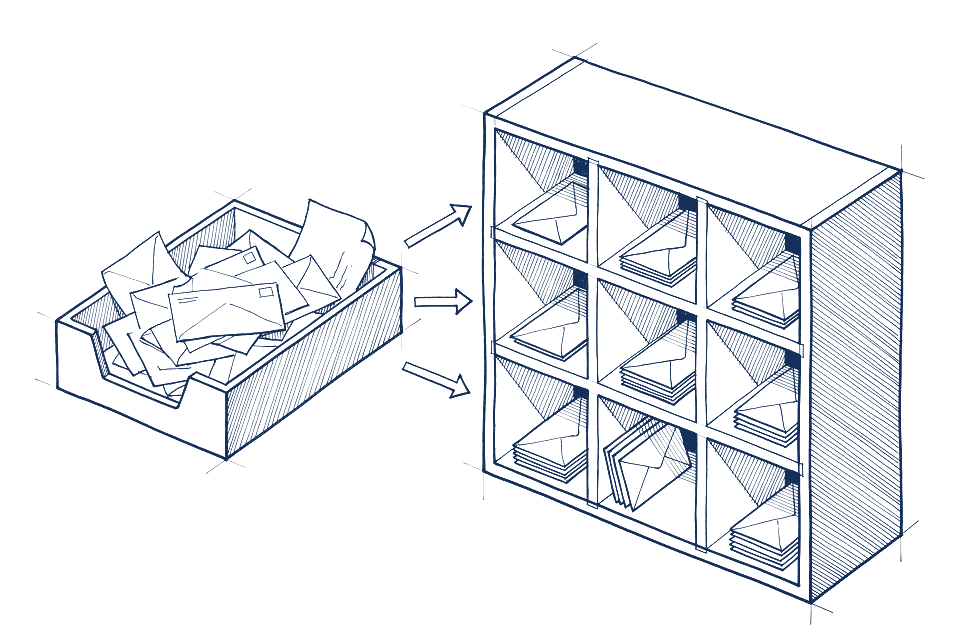
Every incoming enquiry, whether form, email or phone note, is read, classified and assessed: sales opportunity, existing customer, job application, supplier, spam. Sales opportunities get the attributes your sales team needs: country, industry, product, urgency. Rules send the enquiry to the right team, with a ready-made record in the CRM and a draft reply. Whatever is not clear-cut lands in an inbox for people, not in limbo.
Preparing replies
For recurring questions, the reply is built from your sources: price list, data sheet, delivery time, contact person. A person checks it and sends it, or the workflow replies on its own where you allow that. Every reply can be traced back to its source.
A knowledge base that gives advice
Your documentation, data sheets, catalogues and help articles become a knowledge base that answers questions, citing its sources, in the language of whoever is asking, on the website or internally for sales. When it matters, it hands over to a person, with the full conversation history.
If your sales or service team lacks a tool for handling enquiries, quotes and approvals in its own terms, we build one, with no licence per agent: Tools that fit you.
Evidence
How it runs at a technology distributor
Technical distributor with eight specialist markets and twelve European locations.
There, an advisory chatbot answers product questions in English, German, French, Dutch and Italian. Its answers come from a dedicated knowledge base built from product documentation, white papers and catalogues, each with a source reference. When things get specific, it hands over to human experts, and rules send the enquiry to the responsible sales team in NetSuite. Since the relaunch, the website has generated 400 percent more enquiries.
How it works
How a workflow comes together
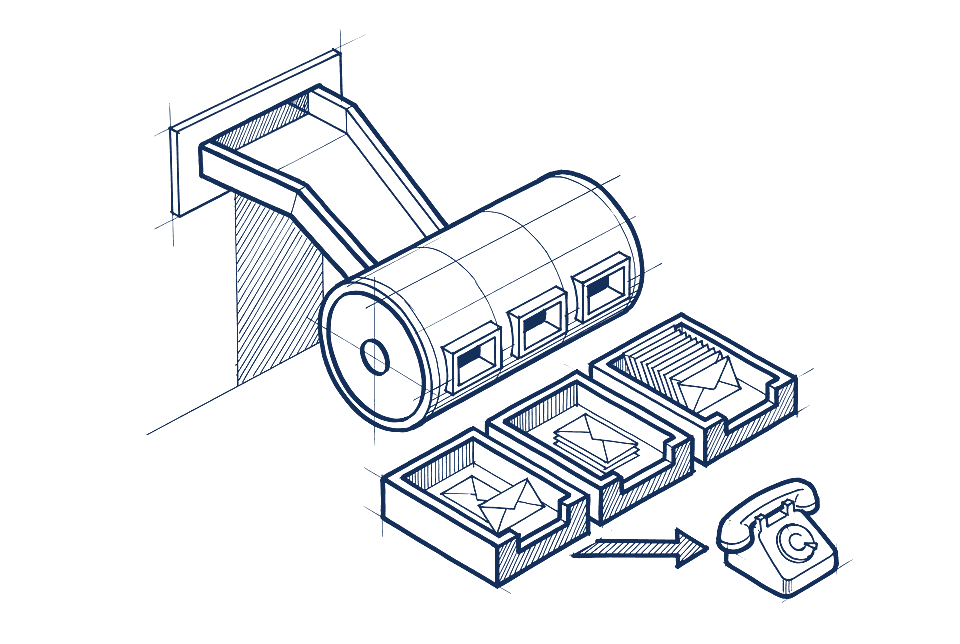
- Rules
What counts as a good enquiry
Your sales team says what it wants to see and what it does not. That gives us criteria, responsibilities and the line between an automatic reply and a human decision.
- Integration
Inbox, form, CRM
The workflow reads from your channels and writes into your CRM. Salesforce, HubSpot, NetSuite, Dynamics, Pipedrive. No new tool for sales.
- Parallel
Two weeks running in parallel
The workflow assesses every enquiry, but sales works as before. We compare. Only when the assessments match does the workflow take over the routing. With large volumes or many markets, this phase takes longer.
- Operation
Around the clock, with a report
Enquiries are handled at night and at weekends. In the morning the report is ready: what came in, what went where, what needs a decision.
Price
Price and scope
From €12,000 net, plus VAT, as a fixed price per workflow, binding after the analysis. What determines the price:
- number of channels and systems
- number of languages
- extent of the knowledge sources
- whether the workflow may reply on its own or only prepares replies
Data flow: enquiries contain personal data. They run via EU data centres or cloud models under a data processing agreement with no use of your data, as you decide. Your knowledge base sits on your own server or in an EU data centre, never with the model provider. Data flow per service.
Industries
Relevant industries
- Electronics and technical distribution: answer bill-of-materials enquiries and pass every enquiry to the right team by market and country.
- Mechanical and plant engineering: pre-check specifications and answer spare parts enquiries in the service department before they pile up.
- Energy technology and cleantech: pre-sort tickets from installers and pass them on with the right documents.
- Service providers and consultancies: sort the inbox and incoming enquiries, put together quotes and tenders.
Questions
Questions about lead qualification
What sales management and customer service ask before a workflow reads their enquiries. More answers under Questions and answers.
Does the workflow reply to customers on its own, without anyone looking?
Only where you explicitly allow it. Usually the workflow prepares a draft reply from your sources and a person checks it and sends it. For narrowly defined cases, such as an acknowledgement with the delivery time, it can reply on its own. The line is set in the rulebook, and you can move it at any time.
What happens to enquiries the workflow cannot classify?
They land in an inbox for people, with the reason the workflow was unsure. Nothing disappears into limbo. In the morning the report shows how many such cases there were. If a pattern repeats, it becomes a new rule.
Do we have to change our CRM for this?
No. The workflow reads from your channels and writes into the CRM you already have, such as Salesforce, HubSpot, NetSuite, Dynamics or Pipedrive. Your sales team carries on working in its familiar interface. The Systems page lists which other systems we connect.
How does the knowledge base know what it may tell customers?
It only answers from sources you have approved, and names the source for every answer. If it finds no matching passage, it says so and hands over to a person instead of guessing. The knowledge base sits on your own server or in an EU data centre, never with the model provider.
When does the workflow take over the routing?
After the parallel operation, which usually takes two weeks, longer with large volumes or many markets. During that time the workflow assesses every enquiry while your sales team works as before. Only when the assessments match does it take over. The article Lead qualification with AI in B2B sales describes which routing criteria have proved their worth.
Handover
The first step is a 30-minute call.
You tell us about the workflow that costs you the most time. We tell you honestly whether AI pays off there and what the next step would be. Whether a workflow analysis follows is up to you.